How to Download E-Hentai Gallery?

E-Hentai is one of the most extensive online repositories of user-submitted image galleries, particularly known for adult and niche-oriented content. Whether you’re an artist researching visual styles, a collector archiving specific tags, or a user simply interested in offline access, downloading galleries from E-Hentai can be useful—but also somewhat tricky. In this article, we will walk you through how to download E-Hentai galleries safely and effectively.
1. What Is E-Hentai?
E-Hentai is a free image gallery website that features a vast collection of user-submitted comics, doujinshi, and image sets, with a strong focus on adult content.
Below are the common reasons that why people want to download the E-Hentai Galleries:
• Offline access: Read galleries without needing an internet connection.
• Archiving: Preserve specific artists’ works in case galleries are removed.
• Organization: Manage content based on your own categories, tags, or preferences.
• Batch backup: Create a local library for browsing using personal software.
2. How to Download E-Hentai Gallery?
Method 1: Manual Download
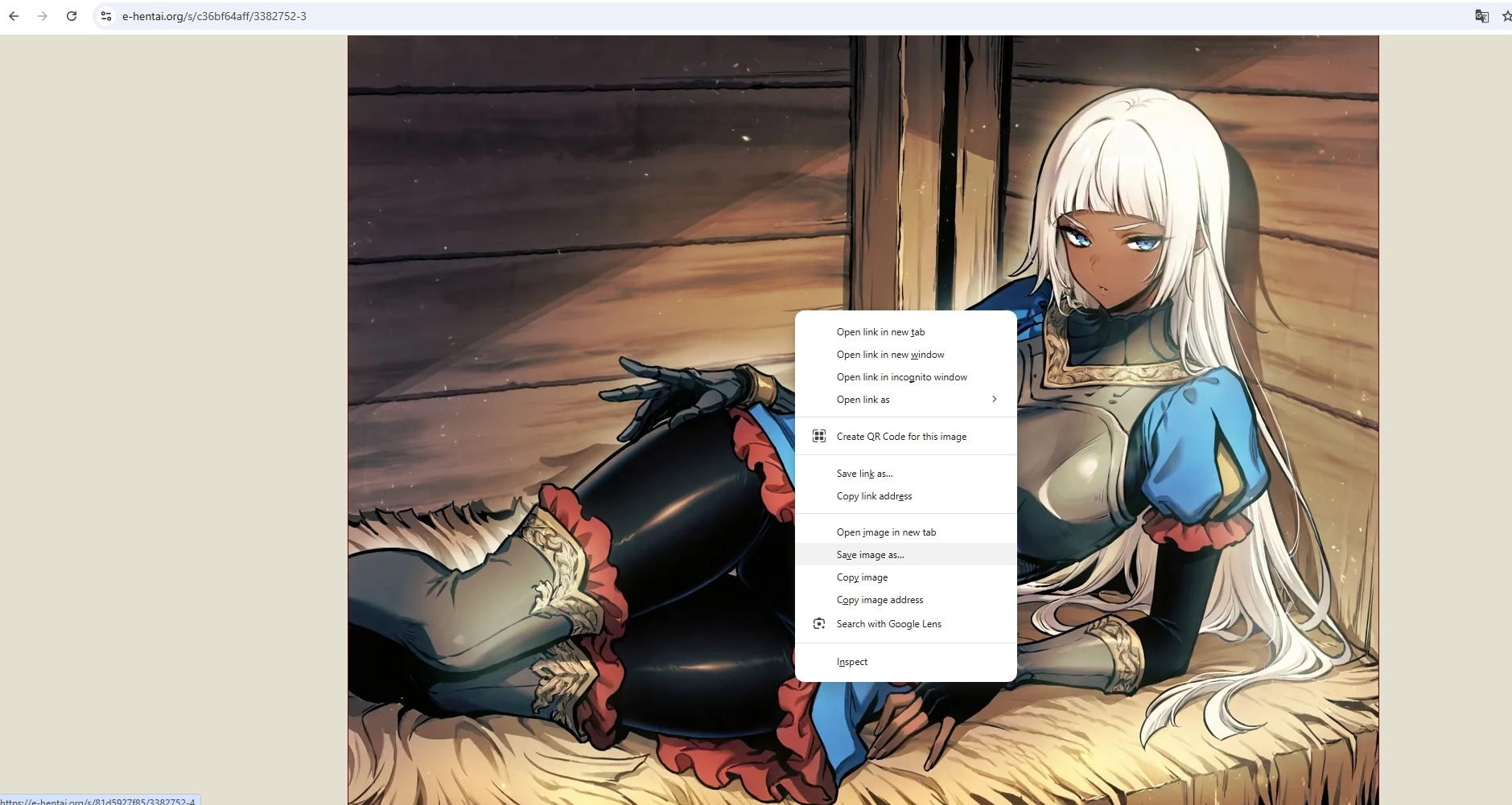
The most basic way to download from E-Hentai is to manual download by following these steps:
Open a E-Hentai gallery > Click on each image > Right-click > Save image as… > Repeat for every page in the gallery.
| Pros: | Cons: |
|
|
Method 2: Use a Web Browser Extension
Some extensions can automate gallery downloads by grabbing all images from a gallery page. Below are some popular choice for downloading E-Hentai gallery:
🔹 DownloadThemAll (Firefox Add-on)
Install DownloadThemAll in your Firefox > Open the E-Hentai gallery to access the images > Click the extension to scan and download all image offline.
🔹 Image Downloader (Chrome)
Install the Chrome Image Downloader extension > Navigate to a E-Hentai and click the extension to extract images > Use the Filter to select desired images and bulk download. 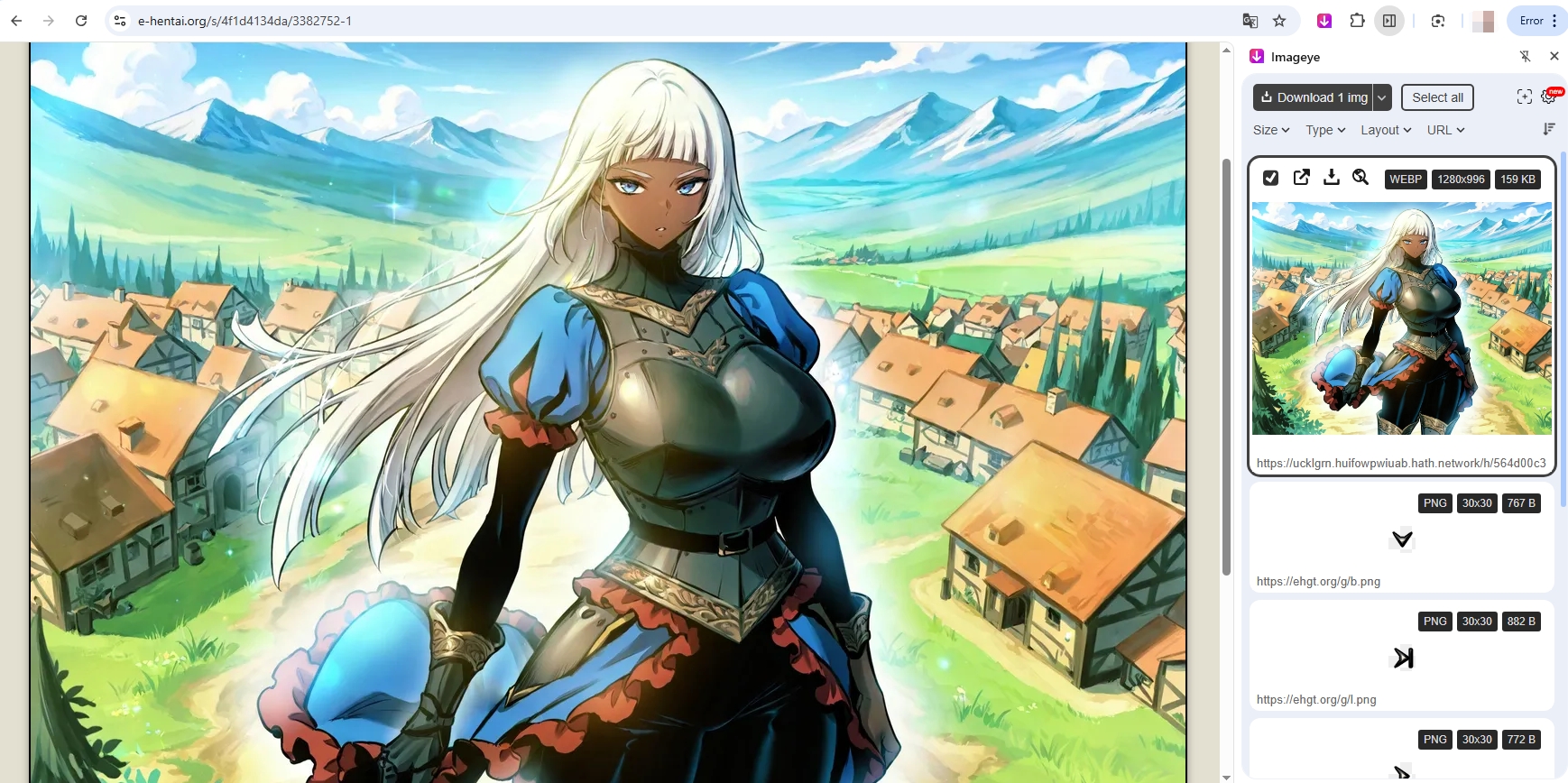
| Pros: | Cons: |
|
|
Method 3: Use E-Hentai Archiver Tools
There are tools specifically designed for downloading from E-Hentai and ExHentai. These are much more efficient and can handle entire galleries or even multiple galleries at once.
🔹 H@H Downloader (Hentai@Home)
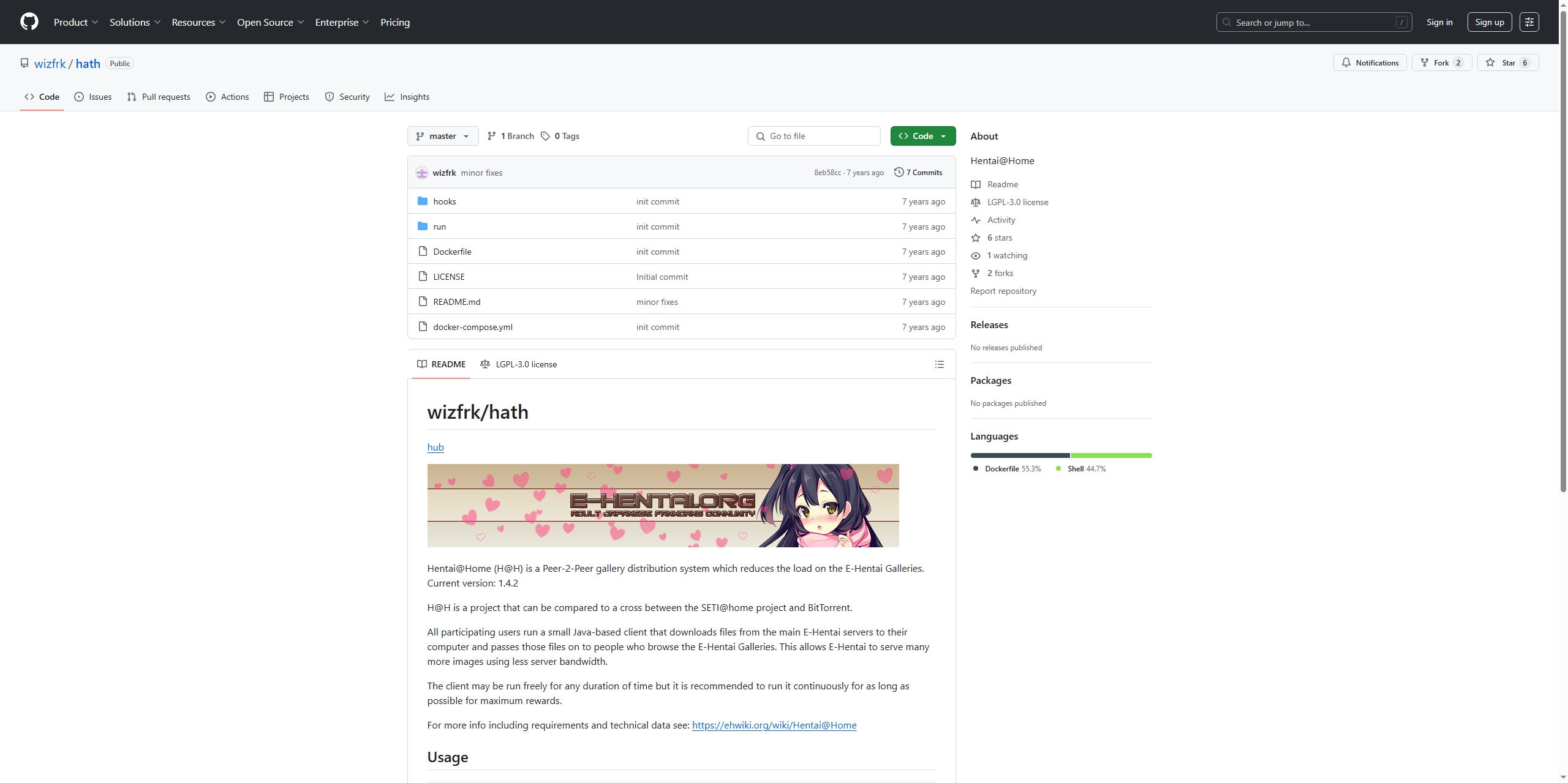
Hentai@Home (H@H) is a peer-to-peer system by E-Hentai to distribute gallery images and reduce server load. The wizfrk/hath project provides an easy way to run H@H using Docker.
| Pros: | Cons: |
|
|
🔹 E-Hentai Gallery Downloader Scripts (Python-based)
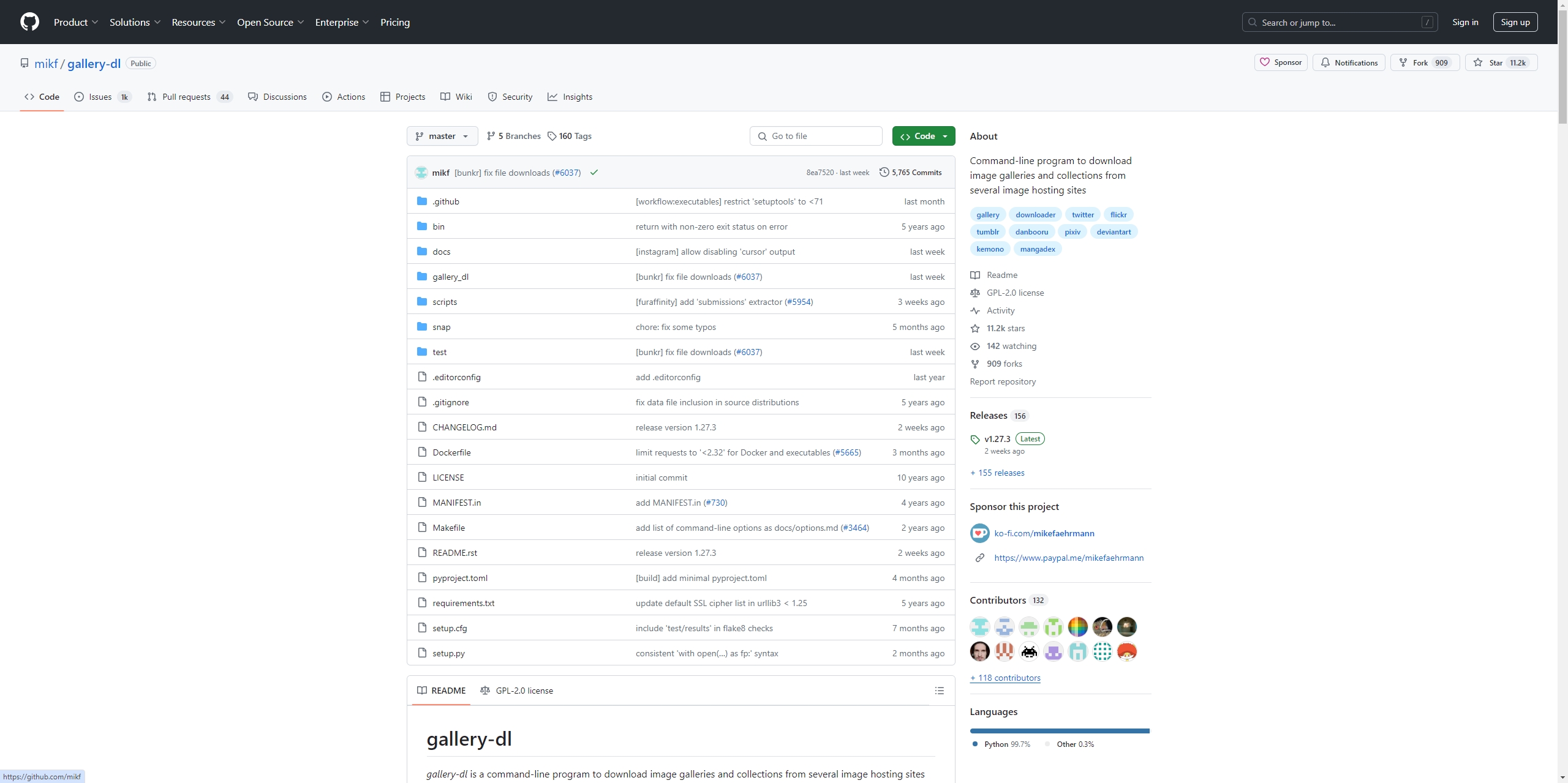
Python scripts like ehentai-dl or gallery-dl are open-source tools that allow you to batch download E-Hentai galleries by URL or tag.
Example using gallery-dl:
- Install Python and run: pip install gallery-dl
- Download a gallery with: gallery-dl https://e-hentai.org/g/xxxxxx/
- You can also configure it with a config.json to include your cookies for E-Hentai access.
| Pros: | Cons: |
|
|
Method 4: Extract E-Hentai Images and URLs with PicCat
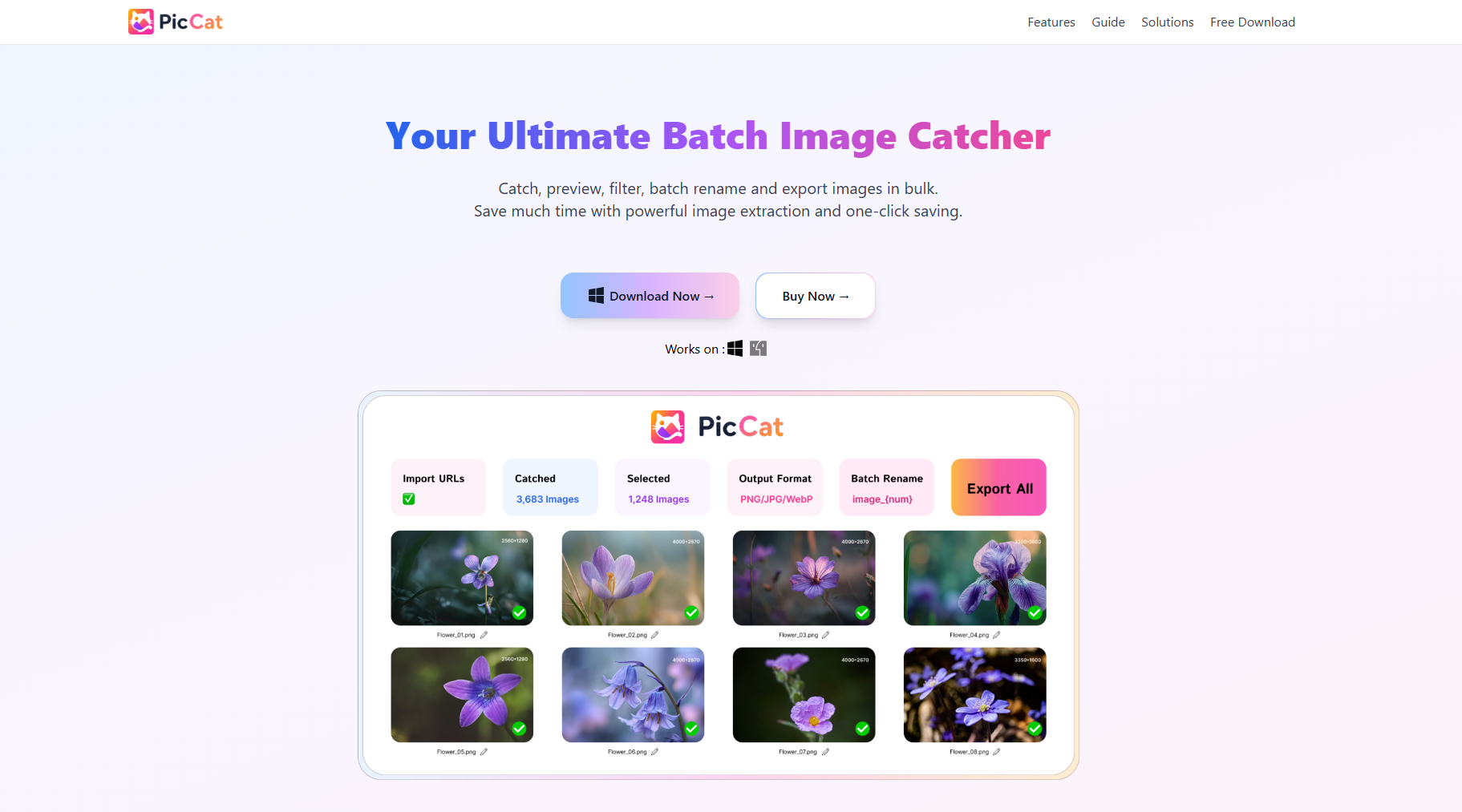
For users who need more flexibility when managing E-Hentai galleries, PicCat offers a convenient way to extract both images and their URLs from webpages. This makes it useful for collecting image links, organizing galleries, or preparing files for further download.
How to Use PicCat to Extract E-Hentai Images and URLs:
- Launch PicCat and enter the E-Hentai gallery URL you want to process.
- Allow PicCat to scan the webpage and identify available images.
- Preview detected images, select the ones you need, and extract their URLs.
- Copy, export, or save the extracted image information for easier management.
| Pros: | Cons: |
|
|
3. Advanced Bulk Download E-Hentai Galleries with Imaget (Recommended)
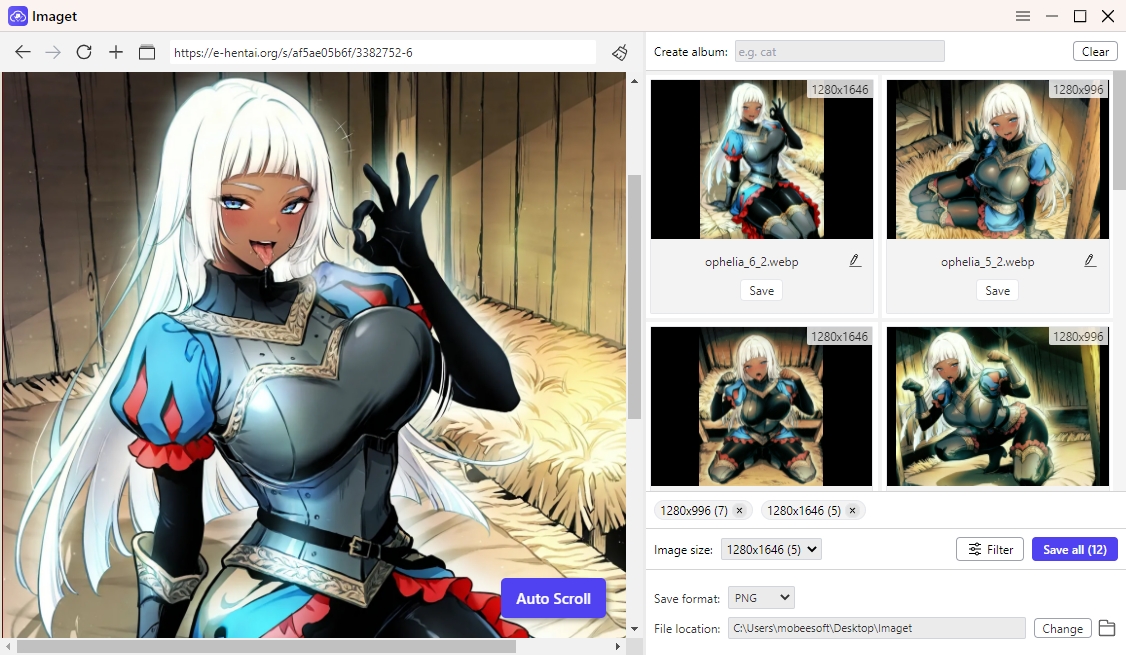
For users seeking a faster, more convenient way to download entire E-Hentai galleries in bulk, Imaget is an excellent solution. Unlike browser extensions or the H@H downloader, Imaget is a powerful desktop tool designed specifically for advanced bulk image downloading. It supports downloading full-resolution galleries from E-Hentai with just a few clicks, allowing users to queue multiple galleries, filter by resolution or file type, and organize downloads automatically into folders.
How to Use Imaget to Download E-Hentai Galleries:
- Grab the latest version of Imaget from imaget.io and install it easily.
- Copy the gallery URL and paste it into Imaget, then let the software scroll the page to detect available images.
- Choose output folder and set filter options (resolution, filename format, tags).
- Start downloading all selected images from E-Hentai by clicking the Save all button.
| Pros: | Cons: |
|
|
4. Conclusion
Downloading galleries from E-Hentai is possible using a wide variety of methods, from manual saving to full automation. If you’re only downloading a few pages occasionally, browser extensions or the manual method may suffice. For regular users or those managing large libraries, scripts like gallery-dl or software like Imaget are far more effective.
If you value convenience, speed, high-resolution downloads, and bulk support, Imaget stands out as the best solution—especially if you want a no-code, click-and-go approach to gallery downloading. Try Imaget today to back up your favorite galleries.
- Best Image Downloaders to Download Bato Manga in 2026
- How to Download Movie Screencaps from FilmGrab?
- Bulk Image Downloader Chrome Extension Overview: How to Use It for Batch Downloads
- TurboImageHost Downloader Chrome: How to Download Images Easily
- How to Download Pictures from Wildskirts?
- How to Rip Assets from Websites: 5 Easy Methods
- Best Image Downloaders to Download Bato Manga in 2026
- How to Download Movie Screencaps from FilmGrab?
- Bulk Image Downloader Chrome Extension Overview: How to Use It for Batch Downloads
- TurboImageHost Downloader Chrome: How to Download Images Easily
- How to Download Pictures from Wildskirts?
- How to Rip Assets from Websites: 5 Easy Methods
- How to Download Images from Danbooru?