How to Rip Assets from Websites: 5 Easy Methods

Websites are built from many different types of assets, including images, icons, videos, fonts, CSS files, JavaScript, and other resources. Whether you’re a web designer researching how a site is built, a developer testing a page, or simply trying to save publicly accessible images for offline reference, knowing how to extract website assets can be useful.
Fortunately, you don’t always need advanced technical knowledge to do it. In this guide, we’ll explore five practical ways to rip assets from websites, from simple browser-based methods to programmatic approaches.
1. Rip Website Assets Using Browser DevTools
Browser DevTools is one of the easiest ways to inspect and extract individual website assets. Chrome, Edge, Firefox, and other modern browsers include developer tools that allow you to see the files loaded by a webpage.
To get started, open the target webpage and press F12 or Ctrl + Shift + I. You can also right-click the page and select Inspect.
Next, open the Network tab and reload the page. The browser will display the resources requested by the website.
You can use filters to find specific assets:
- Img – Images such as JPG, PNG, WebP, and GIF files
- Media – Audio and video resources
- CSS – Stylesheets
- JS – JavaScript files
- Font – Web fonts
- Fetch/XHR – Data requested dynamically by the page
Click an individual resource to inspect its URL and other information. Depending on the resource, you can right-click it and choose an option such as Open in new tab or copy its URL.
DevTools is particularly useful when you need a specific asset or want to understand how a website loads its resources. However, manually saving dozens or hundreds of assets can become tedious, which is where dedicated extraction tools can help.
2. Rip Website Assets Using a Professional Image Extractor – Imaget
If your primary goal is to extract images from websites, a dedicated image downloader can be considerably more convenient than manually inspecting every image.
Imaget is a professional image downloader designed to detect and download images from webpages. Instead of opening individual image files and saving them one by one, you can use the software to identify multiple images and download the ones you need.
Steps using Imaget to rip all website images:
- Download and install Imaget’s Windows or Mac version on your computer.
- Copy the URL of the webpage containing the images you want to extract, then open Imaget and enter or paste the webpage URL.
- Let the software scroll to analyze the webpage and detect available images.
- Preview and select the images you want to save.
- Choose your preferred download settings and start the download.
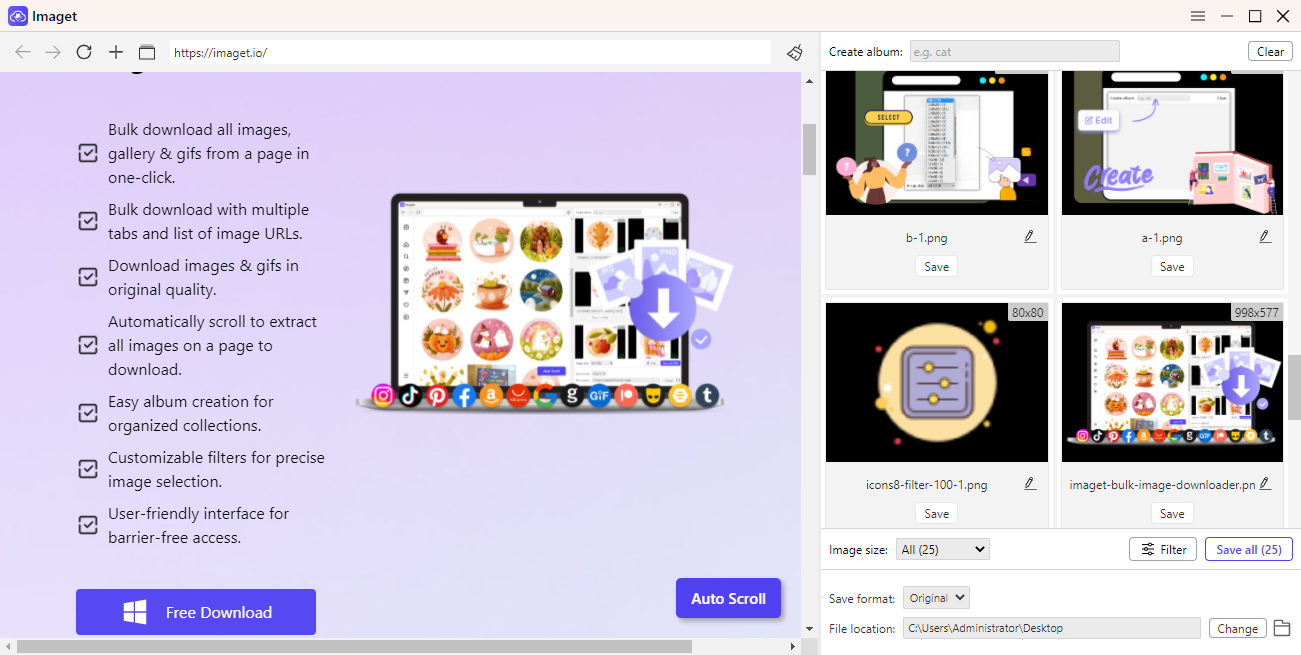
A dedicated image extractor can be especially useful for image-heavy pages, galleries, product catalogs, portfolios, and other websites containing many visual assets.
3. Rip Website Assets Using Browser Extensions
Another convenient option is a browser extension designed to detect and download website images or other resources.
These extensions work directly inside browsers such as Chrome, Edge, or Firefox. After installing an appropriate extension, you can open a webpage and activate the extension from the browser toolbar.
Depending on the extension, it may scan the current page and display detected images along with information such as dimensions, file type, or image URL. You can then select individual assets or download multiple files at once.
A typical workflow looks like this:
- Install a reputable image downloader extension (like Imageye) or a asset downloader extension (like All Assets Downloader).
- Open the webpage containing the assets, then click the extension icon and allow the extension to scan the current page.
- Select the images or resources you want and start the download.
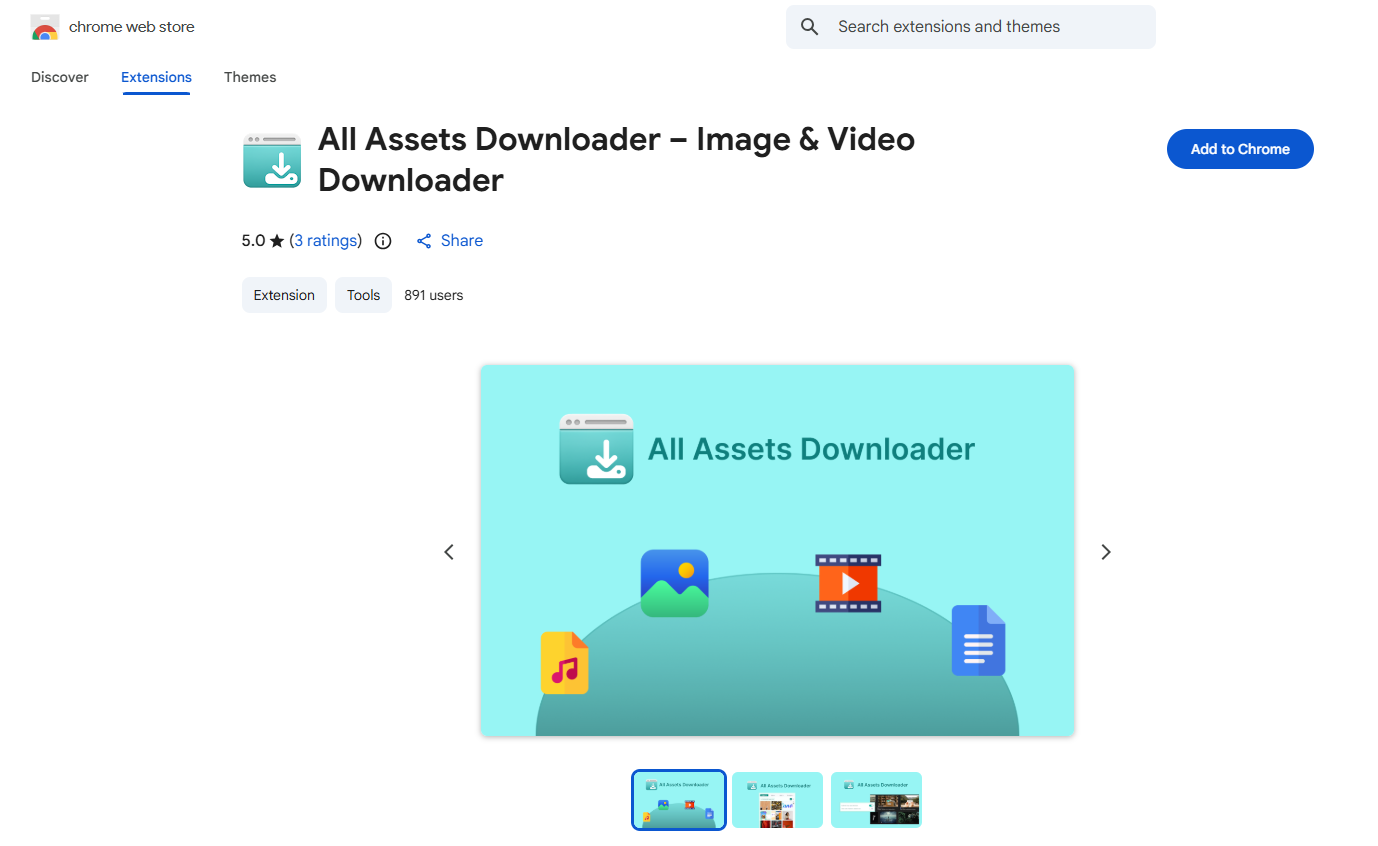
Browser extensions are convenient because they don’t require you to switch between applications. They can be a good choice when you occasionally need to grab several images from a webpage.
4. Rip an entire website
Sometimes you don’t just want individual images—you want a local copy of an entire website for offline testing, archiving, or development research.
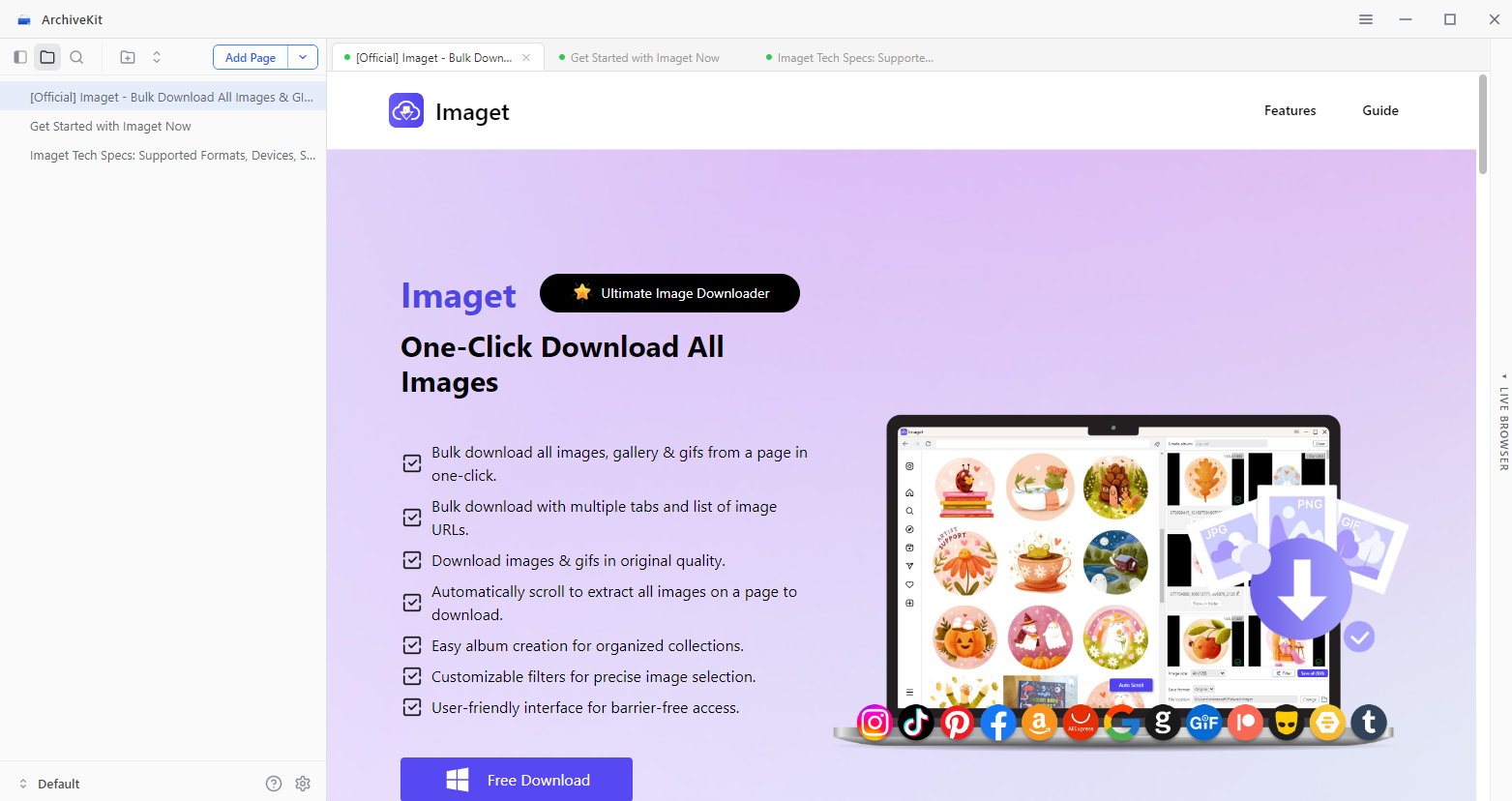
Website mirroring tools such as Swyshare ArchiveKit can recursively download webpages and their referenced resources, depending on the site’s structure and access restrictions.
For example, a command-line tool such as wget can be used to mirror a website you are authorized to download:
wget --mirror --convert-links --adjust-extension --page-requisites --no-parent https://example.com/This approach can potentially retrieve HTML, CSS, JavaScript, images, and other publicly accessible resources referenced by the pages.
5. Rip Assets Programmatically
If you’re comfortable with programming, you can automate asset extraction with Python or another programming language. This is particularly useful when you need to process many webpages or extract only certain types of resources.
For example, Python’s requests library can retrieve HTML, while BeautifulSoup can parse the page and identify image, stylesheet, and script references.
A simple example is:
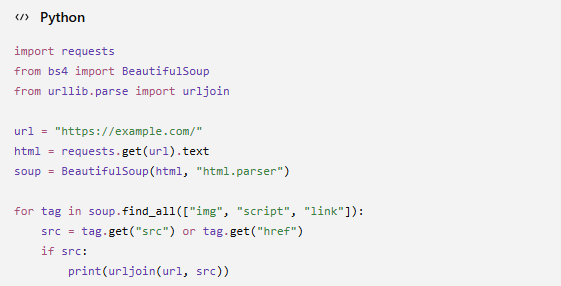
This script doesn’t download the assets. Instead, it identifies URLs referenced by common HTML tags and converts relative URLs into absolute URLs.
6. Conclusion
Ripping assets from websites doesn’t necessarily require advanced web development skills. For individual resources, browser DevTools provides a straightforward way to inspect files and locate their URLs. When working with large numbers of images, a professional tool like Imaget can simplify bulk extraction. Browser extensions offer another convenient option, while website mirroring tools like ArchiveKit can create local copies of authorized websites.
For developers and technically advanced users, programmatic extraction provides even greater control over what gets collected and how the files are organized.
- Best Image Downloaders to Download Bato Manga in 2026
- How to Download Movie Screencaps from FilmGrab?
- Bulk Image Downloader Chrome Extension Overview: How to Use It for Batch Downloads
- TurboImageHost Downloader Chrome: How to Download Images Easily
- How to Download Pictures from Wildskirts?
- How to Download Images from Danbooru?
- Best Image Downloaders to Download Bato Manga in 2026
- How to Download Movie Screencaps from FilmGrab?
- Bulk Image Downloader Chrome Extension Overview: How to Use It for Batch Downloads
- TurboImageHost Downloader Chrome: How to Download Images Easily
- How to Download Pictures from Wildskirts?
- How to Download Images from Danbooru?